Find and ship agent improvements.

Optimize your
agents at scale.

Papaya proactively monitors your agents, finds the optimizations you didn't know to look for, and opens the PR — every fix ranked by quality, latency, and cost impact.

Request a demo
Why Papaya

Observability shows you what happened.
Papaya ships thehighest impact fixes.

We thoroughly analyze your workflows to uncover quality gains and cost wins, using evidence from your own production runs.

< 15 min
Time to first improvement
From SDK install to a ranked, evidence-backed finding.
+10%
Success rate improvement
Typical quality increase with first workflow analysis.
$25K+
annualized savings per workflow
For large scale workflows.
One linewraps any LLM or agent client.
Asyncno request-path latency.
In your controlhuman-in-the-loop on every change.
How it works

Papaya scans your agentic traces.And finds what’s holding you back.

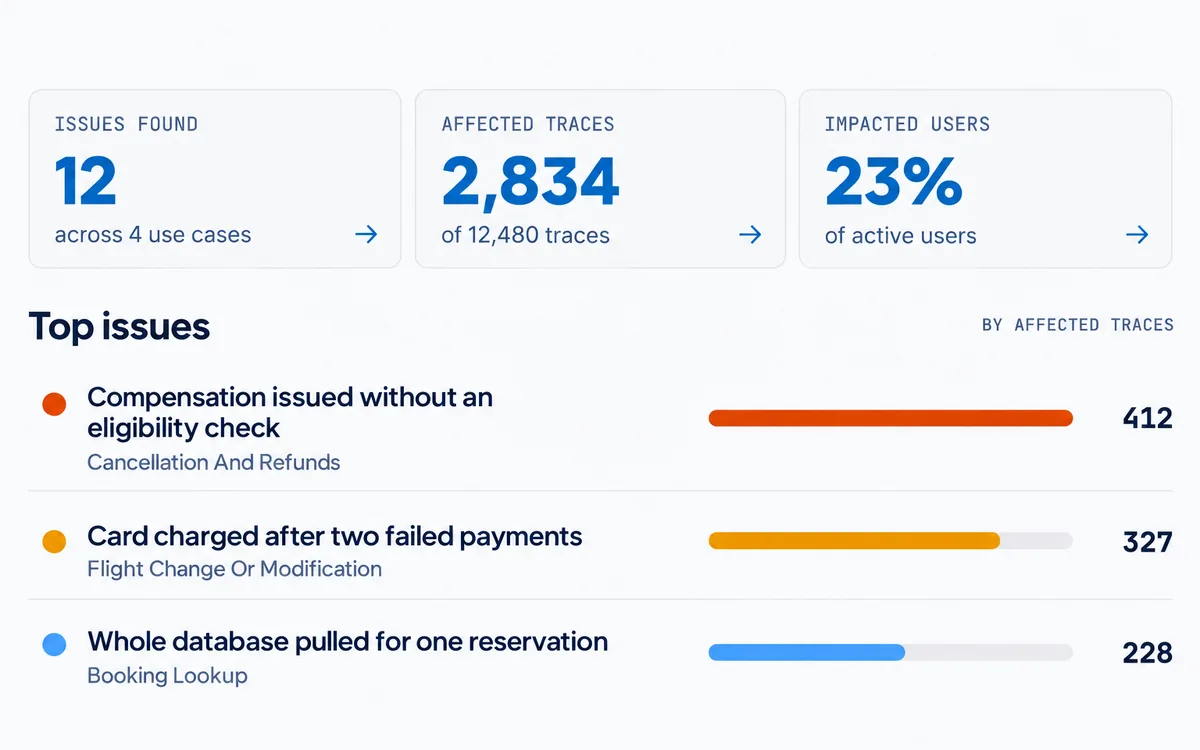
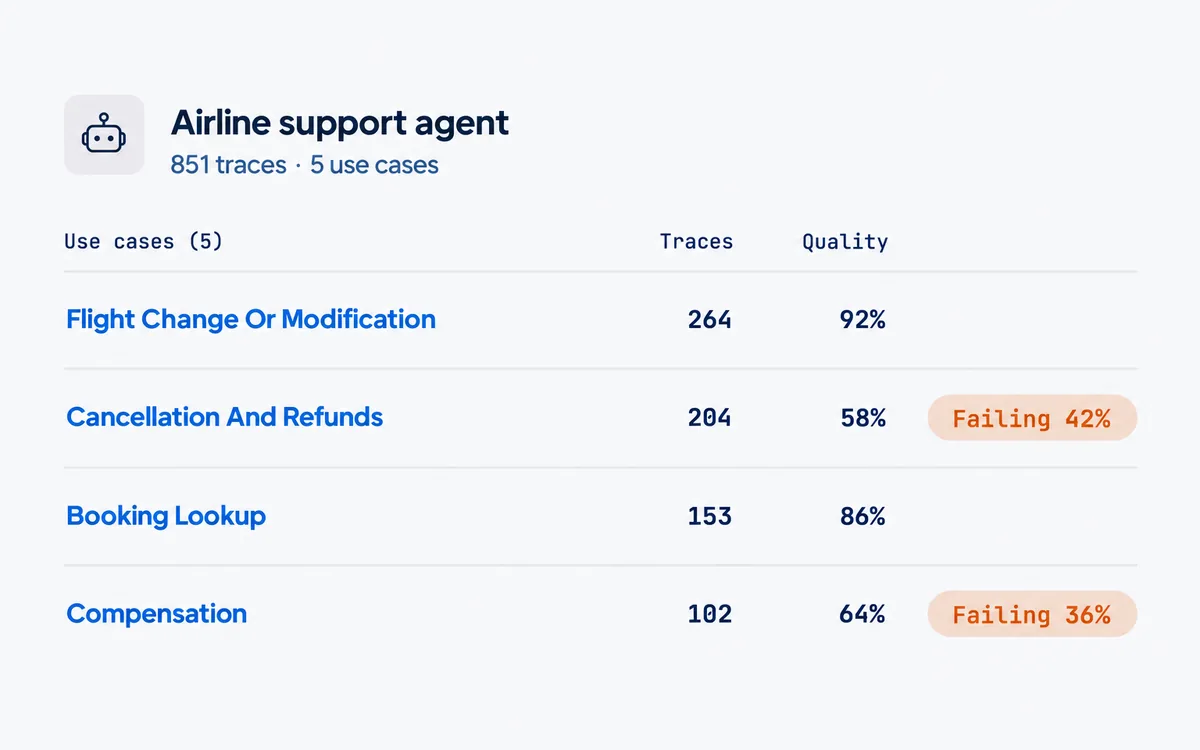
Papaya reads production traces across prompts, context, tools, models, and outcomes. It connects recurring behavior across thousands of runs and shows you which improvements matter most.

Request
Understand
Context
Plan
Next action
Use tool
Observe
Draft
Verify
Outcome
01Context bloat
The same conversation history is sent again on every turn.18.0% of runs · −$2.1K/mo
02Missing prompt caching
Incorrect context ordering breaks caching between turns.62.4% cost reduction · −$1.4K/mo
03Tool misuse
The tool-call schema has drifted, causing valid requests to fail.11.4% of runs · −$840/mo
04Retry loops
The agent is stuck in a loop and is not configured to recover.1,422 affected runs · +8.2s latency
From traces to fixes

Three steps from raw traces to a fix you can merge.

Wrap your LLM calls and then spend your time building the new features customers want, not on agent maintenance.

Step 01

Connect your production traces

Using the Papaya SDK, you can wrap any LLM or agent client with a single line of code. Alternatively, connect Papaya directly to your observability tool or share a dataset in any format. Papaya will automatically detect the shape of the data.

Step 02

Papaya analyzes and finds improvements

Papaya runs 200+ research-backed analyses against your traces. It identifies the improvements that matter most and ranks them by expected impact.

Outcome & Trajectory
Prompt & Planning
Context, Memory & Retrieval
Tool Execution Reliability
Cost & Model Routing
Evidence-Backed Validation
Step 03

Review and implement suggestions.

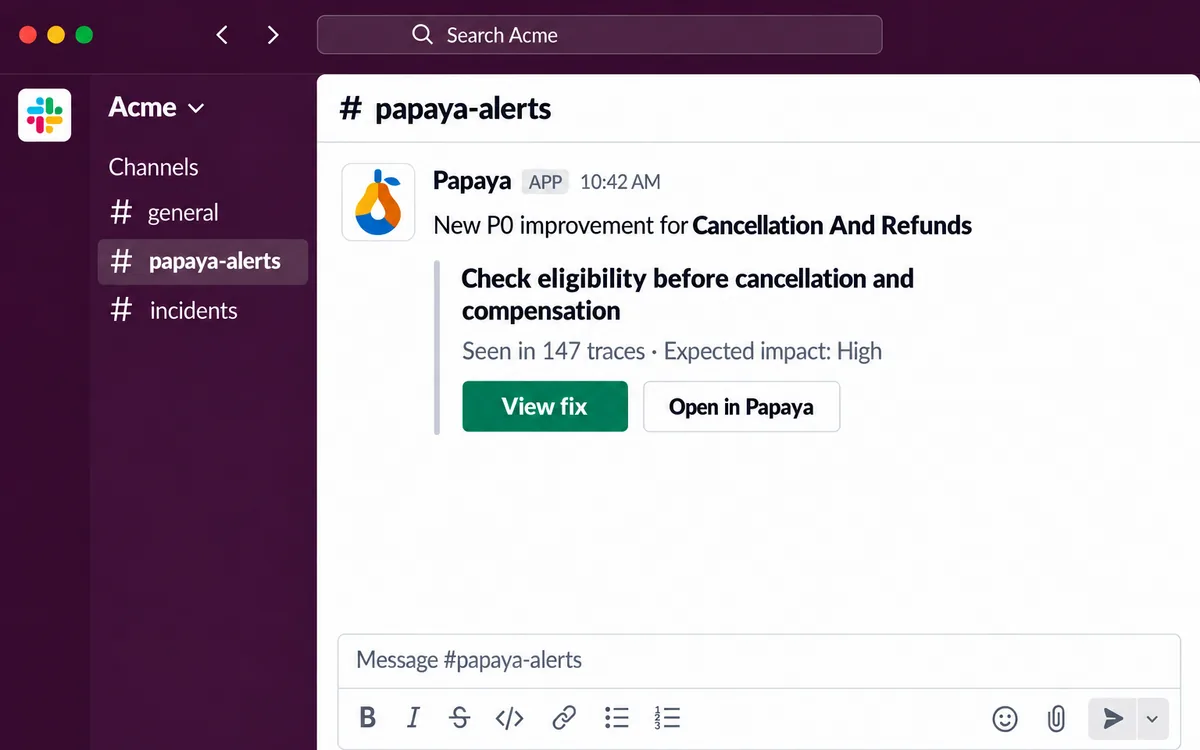
Understand the exact runs that are producing a recommendation and then choose to implement. Automatic alerts in your tool of choice when a new optimization is found.

  • The exact run that produced the finding
  • The prompt, tools, and context as the model saw them
  • Estimated impact, risk, and confidence
What you get

The full improvement loop in one place.

Papaya ingests traces in any shape, builds your quality rubric, ranks every improvement by impact, and delivers fixes where you work — from Slack alert to opened PR.

01 / 05

Automated trace detection

Papaya will read your data no matter the shape and automatically detect what is happening in your workflows.

IMPORT WIZARD
Imports
Bring traces in, map them to the canonical contract, then import them for analysis.
Completed
Source
Preview
Import
SOURCE POOL
996traces
2 objects
ANALYSIS SAMPLE
100traces
load target
PREVIEW SAMPLE
100traces
100 objects read
WORKFLOWS
6detected
WORKFLOWS DISCOVERED
What kinds of workflows are in the samples?
Showing the largest workflow clusters from 100 sampled traces.
6 clusters
Flight Cancellation
25 traces
25% of sampled
Flight Change Or Modification
21 traces
21% of sampled
Class Upgrade Or Downgrade
17 traces
17% of sampled
Passenger Or Booking Changes
13 traces
13% of sampled
New Flight Booking
8 traces
8% of sampled
Miles Balance Inquiry
5 traces
5% of sampled
02 / 05

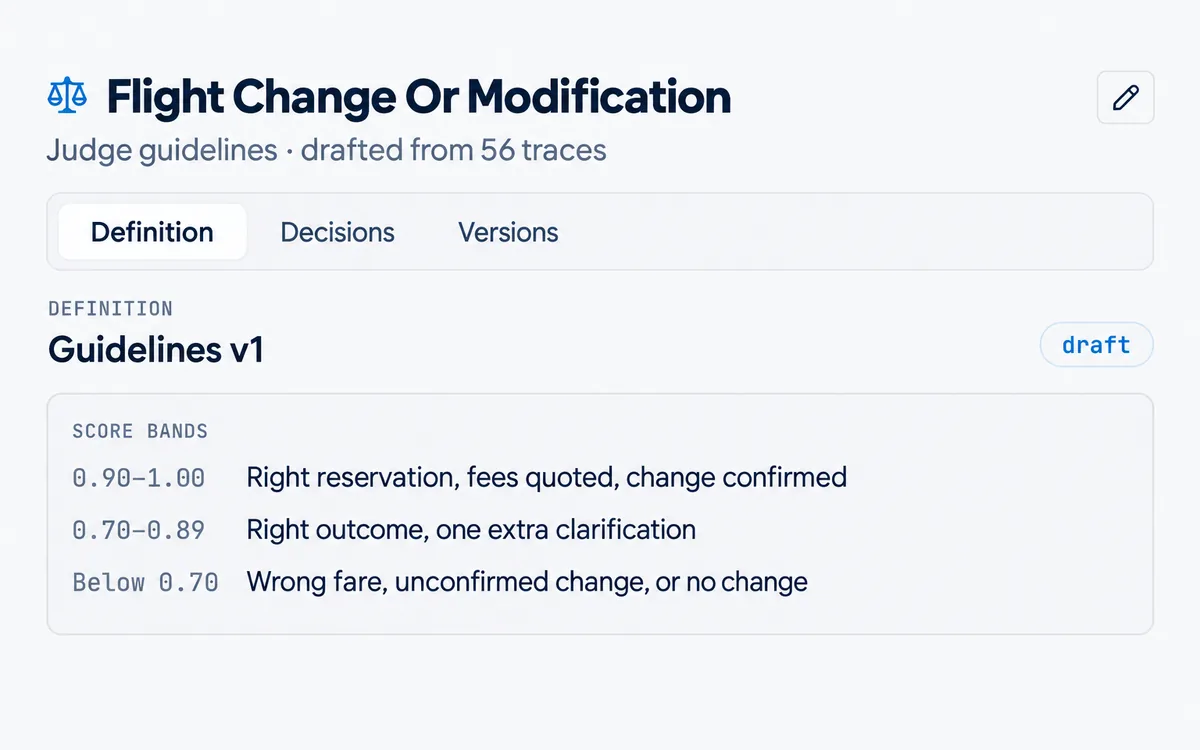
Interactive LLM Judge

Build an evaluation rubric automatically from trace data and customer signals. Tell it what edits you want to make.

Judge workflow
Configure the run, review the proposed guidelines, then run and inspect the judge results.
1Configure
Choose workflow, run size, and judge model.
2Review guidelines
Inspect the proposed rubric before running judgments.
3Run judge
Track final judgment progress and spend.
4Inspect results
Review scores, failures, and usage.
Review proposed guidelines
Draft v1 · draft
draft
TASK
Evaluate an airline customer-service agent that handles reservation changes including upgrades, rebookings, cancellations, new bookings for others, and complaint resolution—using tools like get_user_details, get_reserva…
SUCCESS
The agent correctly resolves the customer's reservation request by: (1) verifying the customer's identity and retrieving relevant reservation details, (2) checking eligibility rules (e.g., cancellation window, cabin class, membership tier), (3) performing the correct action (upgrade, cancel, rebook), (4) confirming the outcome with accura…
GUIDELINES
Reviewer Guidelines: Airline Reservation Agent Evaluation — Handles cancel, upgrade, rebook, new bookings. Looks up user & reservation, checks eligibility, confirms actions, escalates when needed.
Configure judge run
normal
Choose how many traces to judge. The rubric draft uses up to 5 examples; the final run scores the run size you pick.
WORKFLOW
Reservation Balance Inquiry Change · macy-test · 901 traces
TRACES TO JUDGE
2550100300All
JUDGE MODEL
Claude Sonnet 4.6 · $3.00/M in
WORKFLOW TOTAL
901
SOURCE CAND.
901
FINAL RUN SIZE
100
RUBRIC EX.
5
AVG TOKENS
0
03 / 05

Ranked recommendations to improve your agents

Know which improvements will have the highest impact on quality, latency, and cost. Implement the ones you choose.
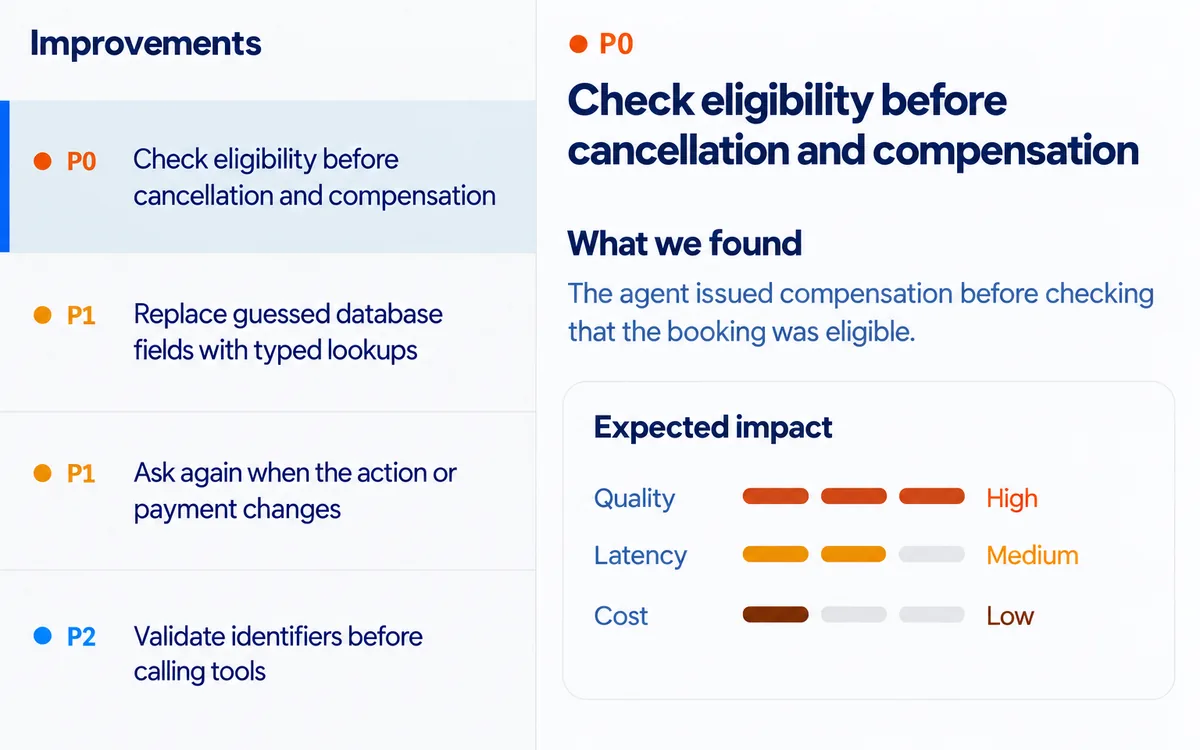
Improvements (34)
Proposed changes for this workflow
view all →
Flight Cancellation failures overuse code evaluation
+10pp-$284.12
P0
Large context is being reread across the workflow
+7pplower prompt load-$212.40
P2
Tool outputs need RTK-style reducer instrumentation
-$176.55
P2
Retry churn is visible before the workflow stabilizes
bounded retries-$138.07
P2
High-cost models are handling tiny deterministic calls
-$104.83
P3
04 / 05

Use Papaya where you work

Get alerts to Slack sharing improvements and failures, and deploy those to your code.

# papaya-alertsImprovements posted from production workflows
4 members
P
PapayaApp10:42 AM
2 new high-impact improvements found for flight-cancellation
Flight Cancellation failures overuse code evaluation
P0
+10pp quality−$284.12
Large context is being reread across the workflow
P2
+7pp quality−$212.40
View all 34 improvements in Papaya →
Message #papaya-alerts
05 / 05

Executive summary dashboard

Get an overall picture of performance of your agents with top recommendations for improvement.
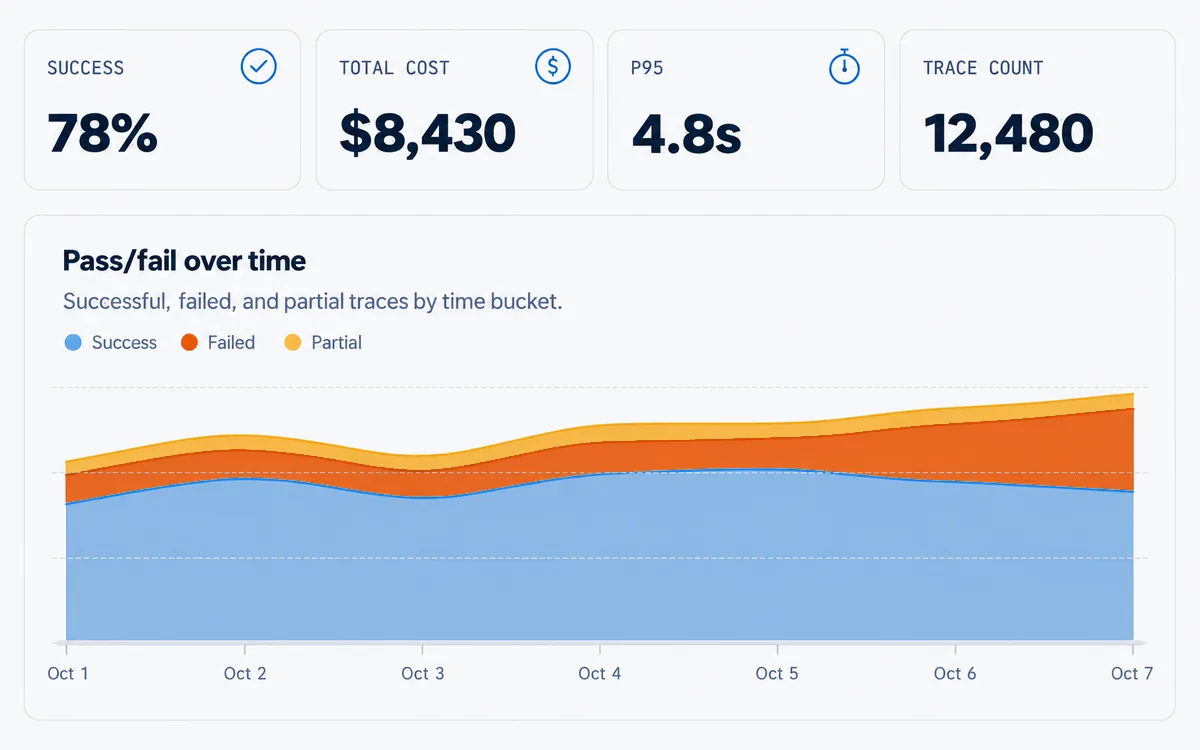
Overview
Persisted rollups across apps, workflows, issues, and approvals.
6 apps
TRACES
3,984
18 workflows
QUALITY
52%
weighted by trace count
OPEN ISSUES
72
52 critical/high
APPROVED
43
7 approval records
ALL WORKFLOWS
Token and spend trend
18 buckets
024477194$3.69$1.85Dec 3 12AMDec 4 2AMDec 4 10PMDec 17 10PM
Input tokens Output tokens
MODEL MIX
Tokens and spend by model
7 models
Tokens by model
INPUT + OUTPUT
Kimi-K2373.2K
5,528 calls23.3% of total
claude-sonnet-4-5270.5K
2,827 calls16.9% of total
gpt-5.2240.7K
2,356 calls15.1% of total
claude-opus-4-5228.9K
1,767 calls14.3% of total
gpt-5.1-codex196.7K
3,025 calls12.3% of total
Spend by model
PRICED USAGE
claude-opus-4-5$4.25
41.3% of total
claude-sonnet-4-5$2.68
26% of total
gpt-5.2$1.88
18.2% of total
gpt-5.1-codex$0.83
8% of total
Kimi-K2$0.42
4.1% of total
How it operates

Every recommendation comes
from your own traffic.

Papaya runs 200+ research-backed analyses around the clock and flags the fixes worth making — with proof.
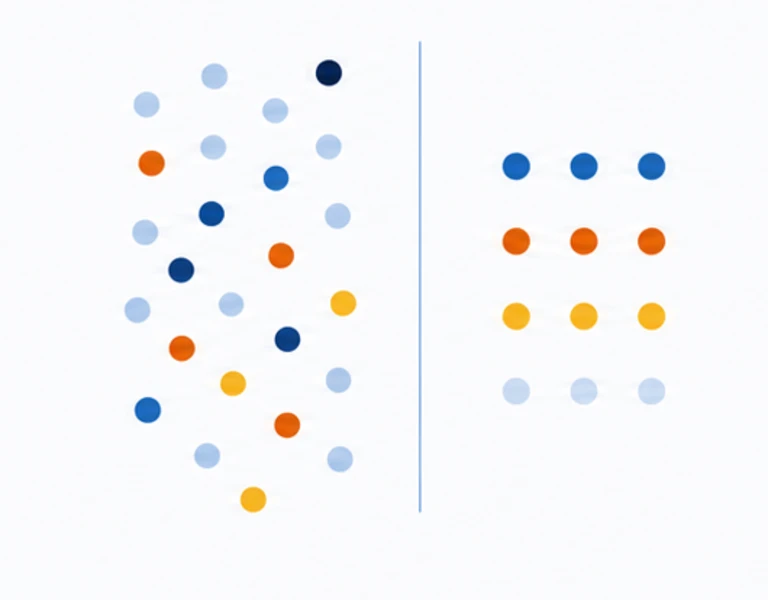
A focus bracket groups repeated signals in a field of production runs

Population, not trace

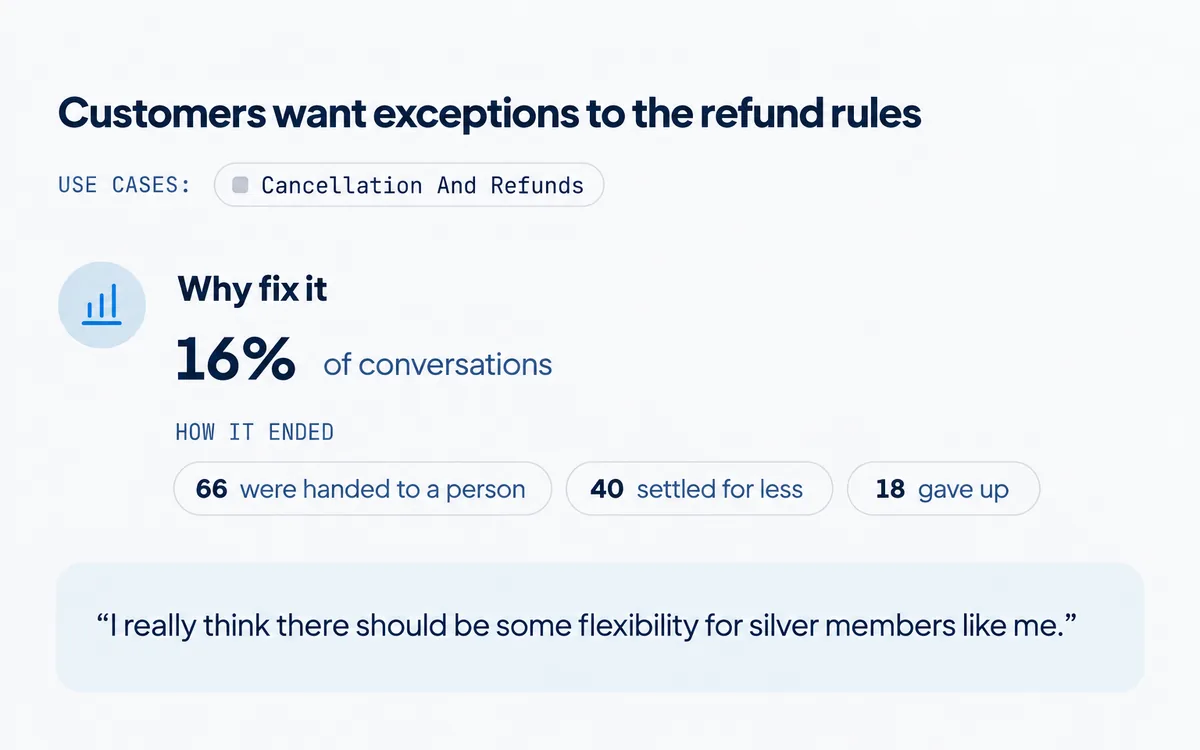
Findings cluster across thousands of sampled runs by root cause — not one trace at a time. Each one tells you how many runs it affects.
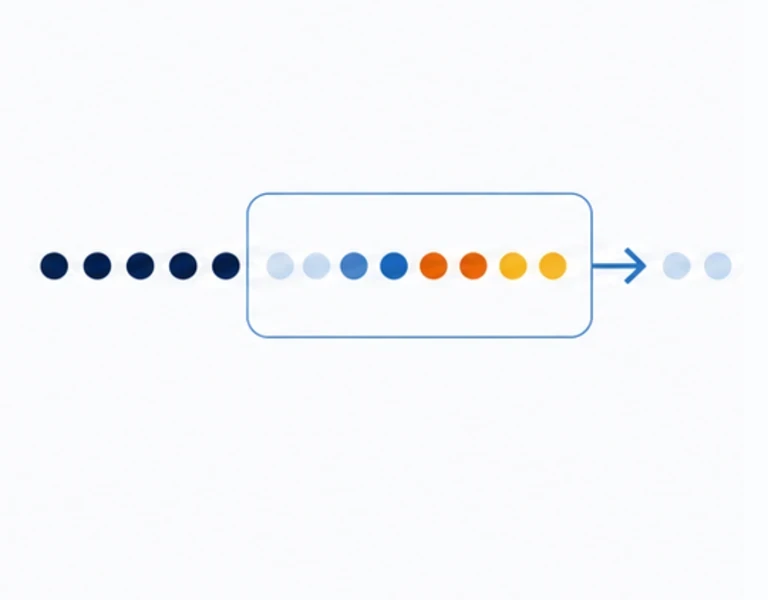
A moving focus window repeatedly scans a live row of production signals

Continuous, not on-demand

Live alerts when quality metrics drift — before a customer escalates. You learn when it matters, not when you remember to check.
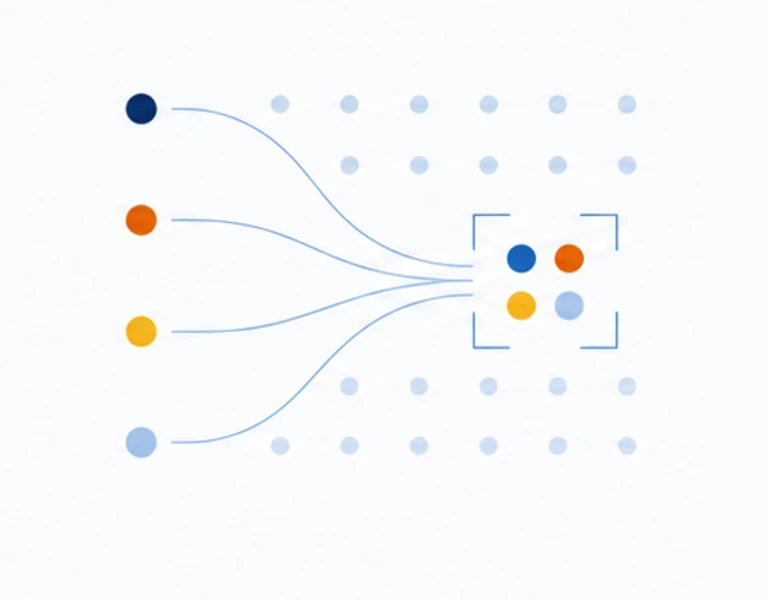
Outcome signals converge inside a shared evidence bracket

Joined to outcomes

Drop-off, thumbs-down, Slack replies, and support tickets — all tied to the runs and workflows that actually produced them.

Successive focus brackets rise through an improving field of signals

Compounds over time

Every fix you ship and every new run feeds the next analysis. The system doesn't start from zero — findings get sharper as you go.

Get started

Start with one workflow — get a full audit in 24 hours.

Share your traces in whatever form you have, even a raw export — no integration needed. You'll get back a ranked set of improvements with the evidence behind each one, and what every fix is worth in quality, latency, and cost. No commitment: the audit is yours to keep either way.